 MyHouseKeep
Keeping up with your home
Look after your home.
Plan for what’s next.
Schedule maintenance, track repair costs, save warranties, and build a service record for your home. Find the details when something breaks—or when it’s time to sell.

 Android coming soon
Available now on iPhone. Android coming soon. New accounts need approval; your setup link arrives by email.
How account setup works
Actual MyHouseKeep app captures · example household information
01Know your home
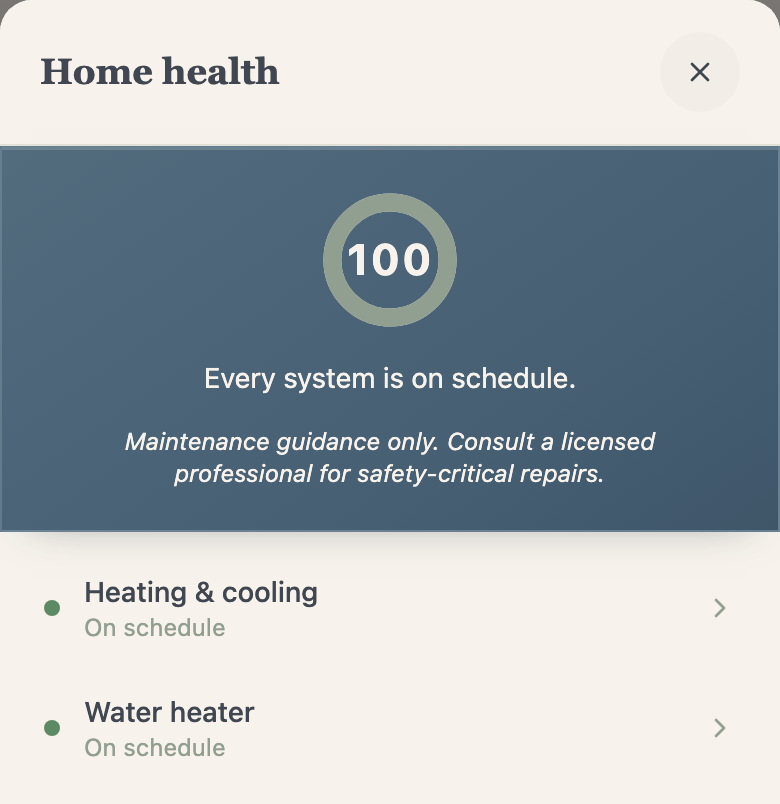
Keep the details for every system in your home.
Save the systems you actually have, with model numbers, specifications, manuals, and important dates. Start with heating and cooling, the water heater, or the appliance you keep meaning to look up.
- A useful starting point
- Suggested systems, nameplate photos, and manual lookup help you set up your home. Review extracted information before saving.
- Built around your place
- Record property details and home features. Equipment categories cover climate, water, electrical, structure, outdoor systems, appliances, safety, and specialty equipment.
02Maintenance & supplies
Schedule maintenance and find the right supplies.
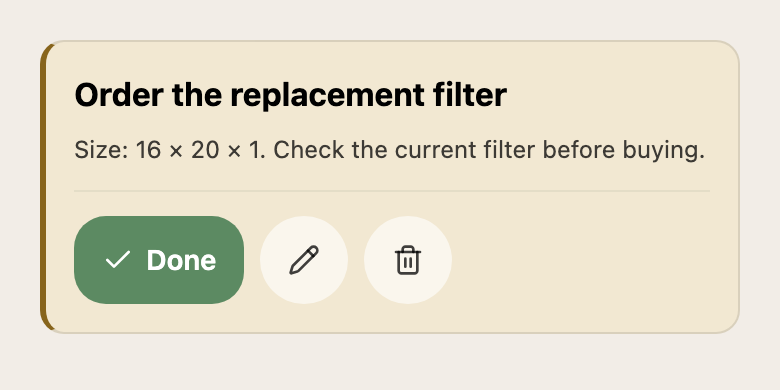
A reminder is better with the information to act on it. Schedule recurring care, find the saved filter size, and open a walkthrough when the job comes around.
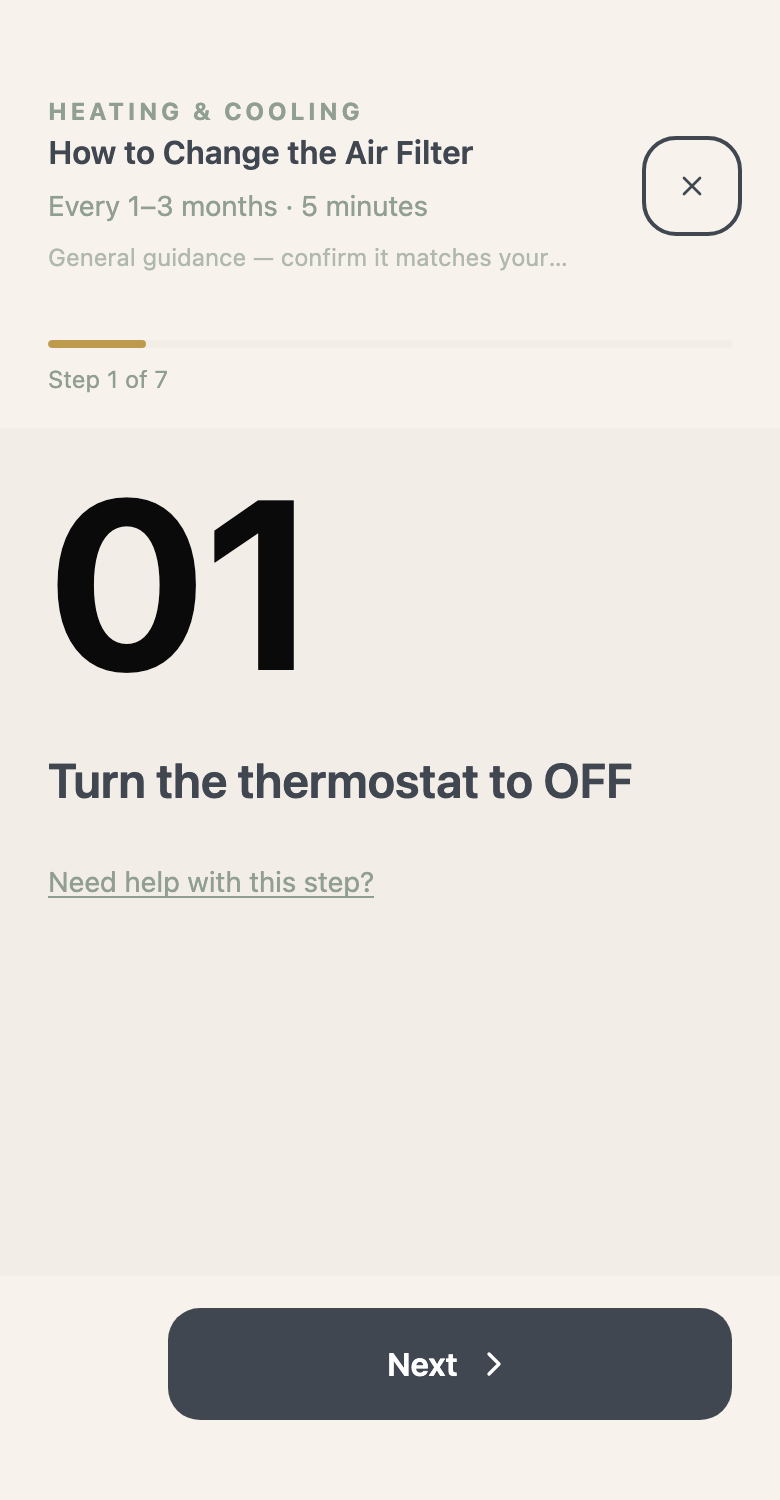
- Care on a schedule
- Keep recurring maintenance, seasonal care, and pest prevention together. Pest plans include sightings and treatment history.
- Know what to pick up
- The maintenance shopping list collects supplies for upcoming tasks. Saved parts and filter information help you find what your home needs.
03Service history & home status
Track repair costs and prepare for future work.
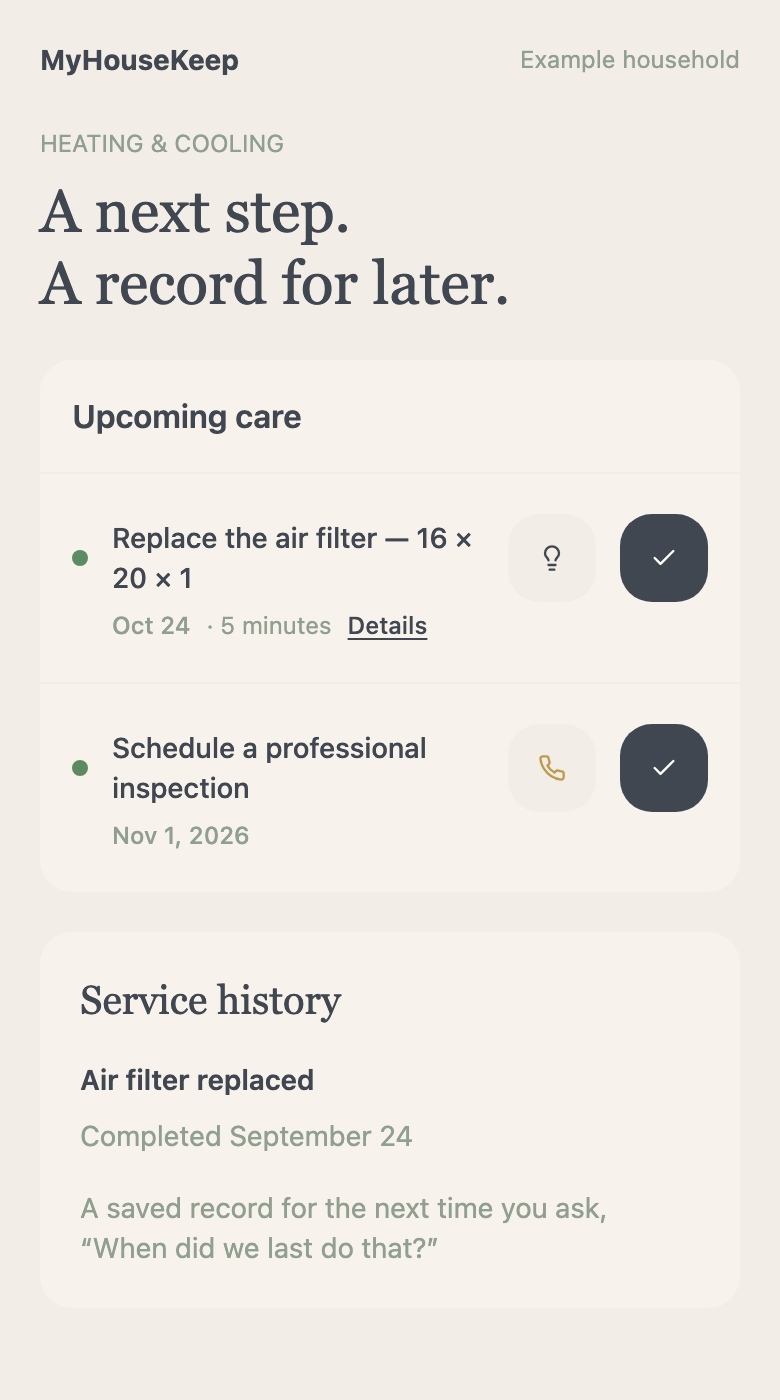
Log maintenance dates, notes, providers, and costs. Where available, review system age, expected lifespan, and estimated repair or replacement ranges to start planning for future expenses.
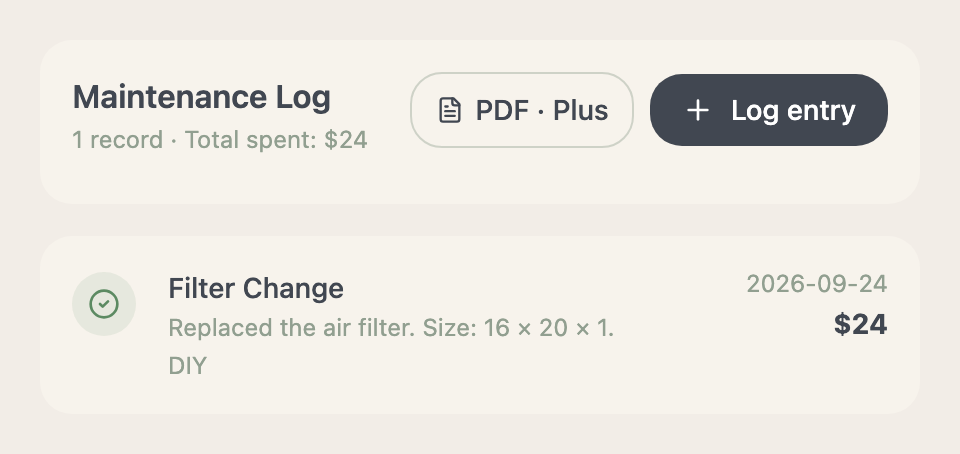
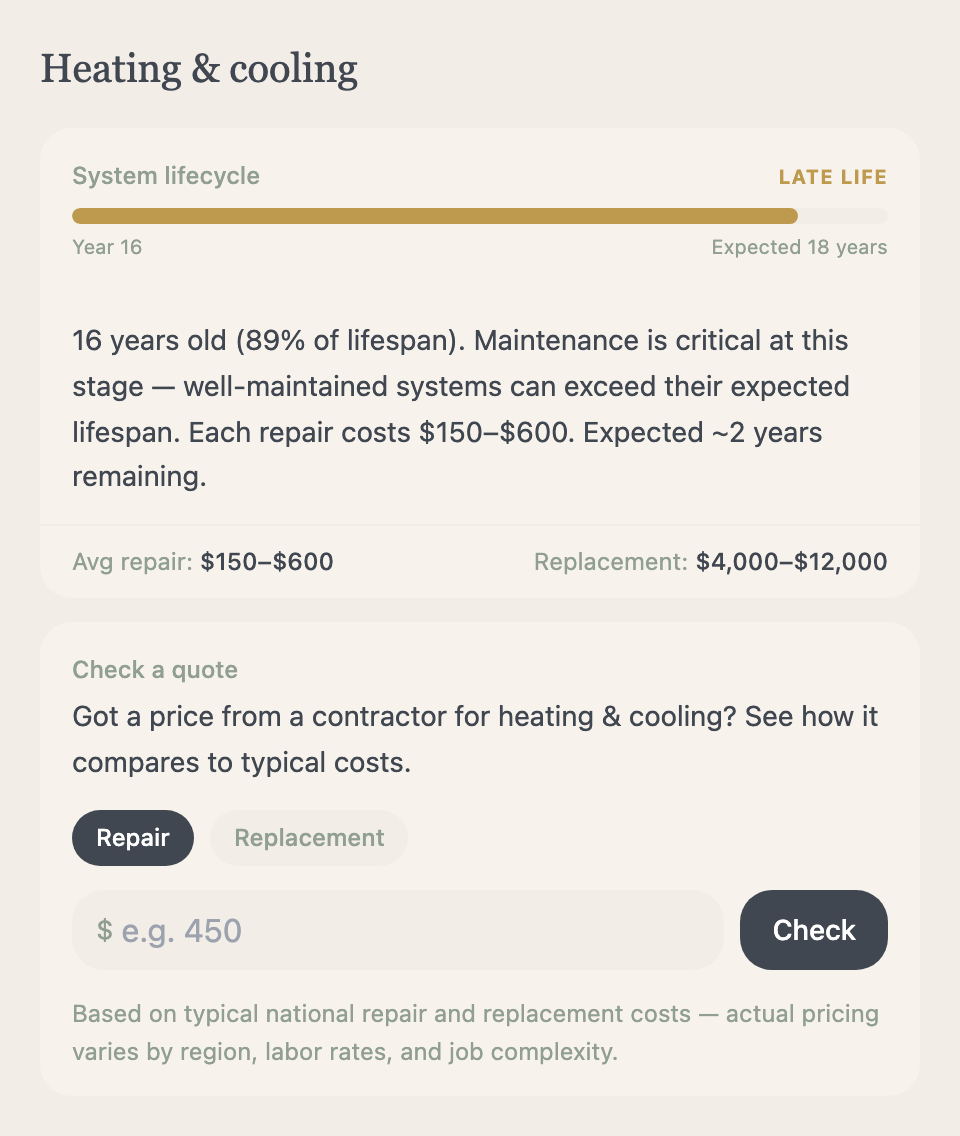
- Keep the useful details
- System history, issue journals, and maintenance costs help you refer back to earlier work.
- Keep a record for a future sale
- Share the maintenance you’ve recorded with prospective buyers using a Plus PDF export. Transfer ownership to pass the home record to its next owner. These records support a clear handover; they do not guarantee a higher sale price.
04Documents & important dates
Save warranties, insurance, and important documents.
Keep manuals, receipts, warranty coverage, insurance, lease details, property taxes, and recurring services with your home. Find the document alongside the detail you saved.
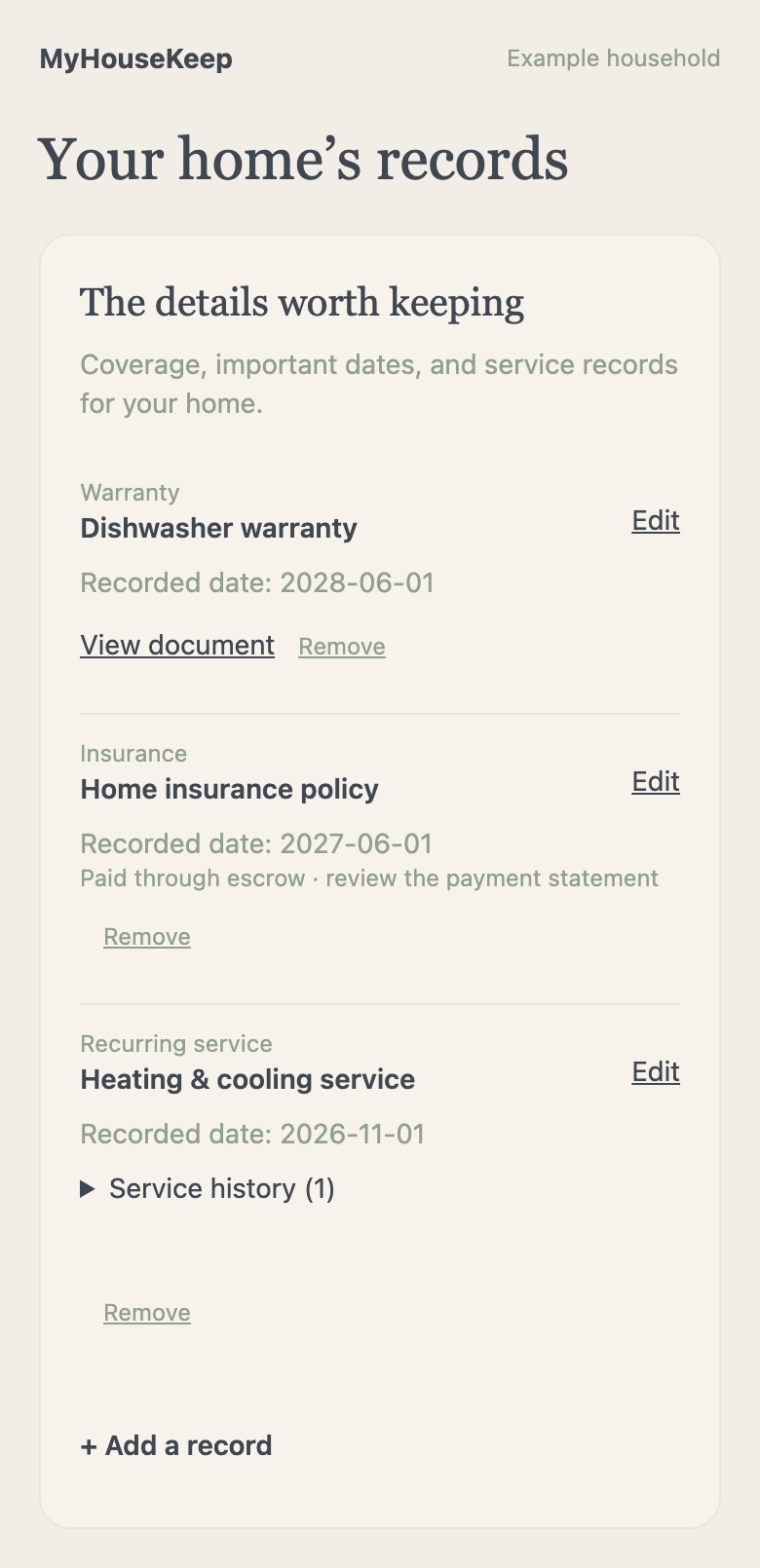
- Paperwork with a place
- Upload documents and use scans within your plan’s allowance. Review any extracted details against the original.
- Remember what’s coming
- Save coverage and renewal dates, rent or mortgage due days, and service information.
05Troubleshooting & professional help
Find troubleshooting steps or a local professional.
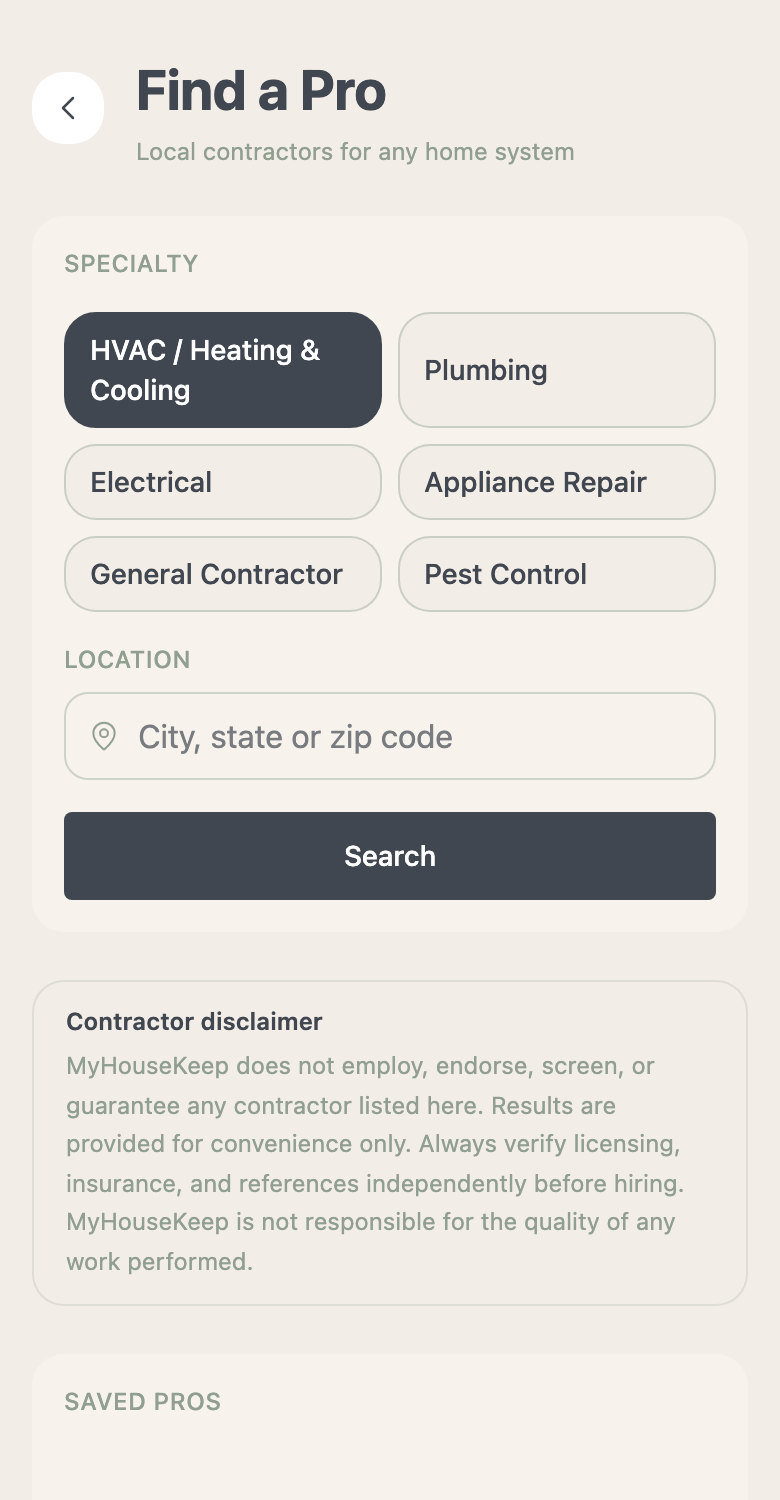
Find system troubleshooting and step-by-step guidance, or search for a local professional by service and location. You choose and contact the provider.
- Work through the next step
- Decision trees and system-specific guidance help you understand common issues. Photo diagnosis is subject to plan access and allowances.
- Keep rental repairs together
- Renters can record maintenance requests, status changes, notes, and supporting evidence for the care they need.
06Emergency & guest information
Save shutoff locations and emergency contacts.
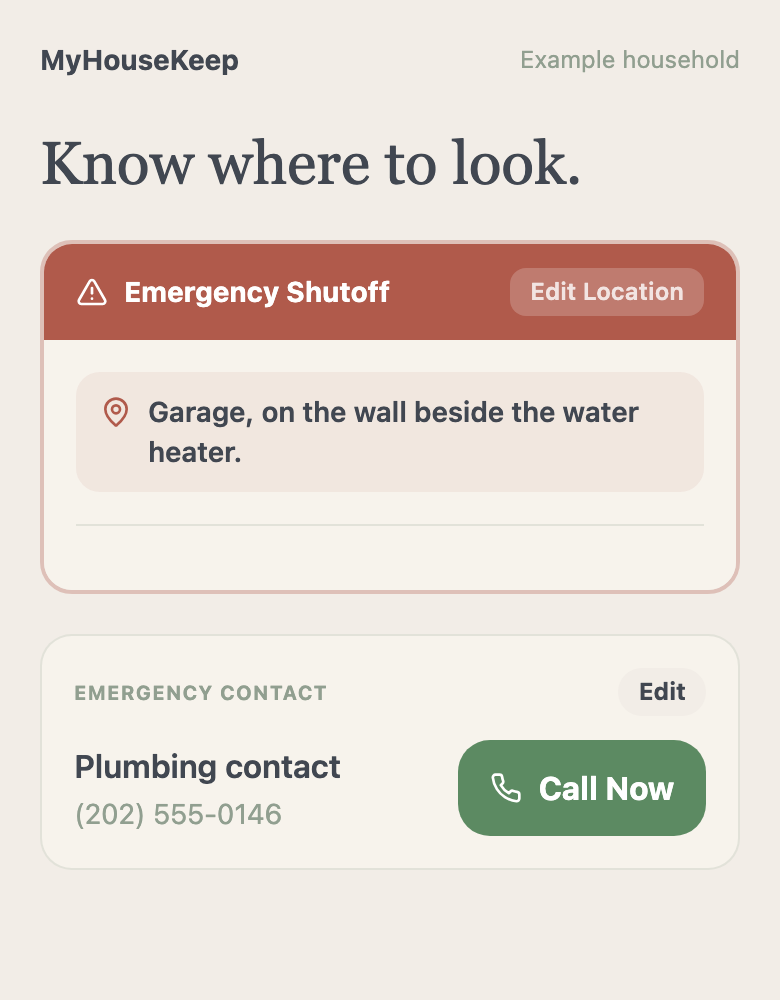
Save shutoff locations and photos, emergency contacts, and useful house instructions. Make the information easier to find in an unexpected moment.
- Prepare while things are calm
- Emergency guidance and saved shutoff information stay close to your home record. Guidance does not replace emergency services or professional advice.
- Welcome people with the details
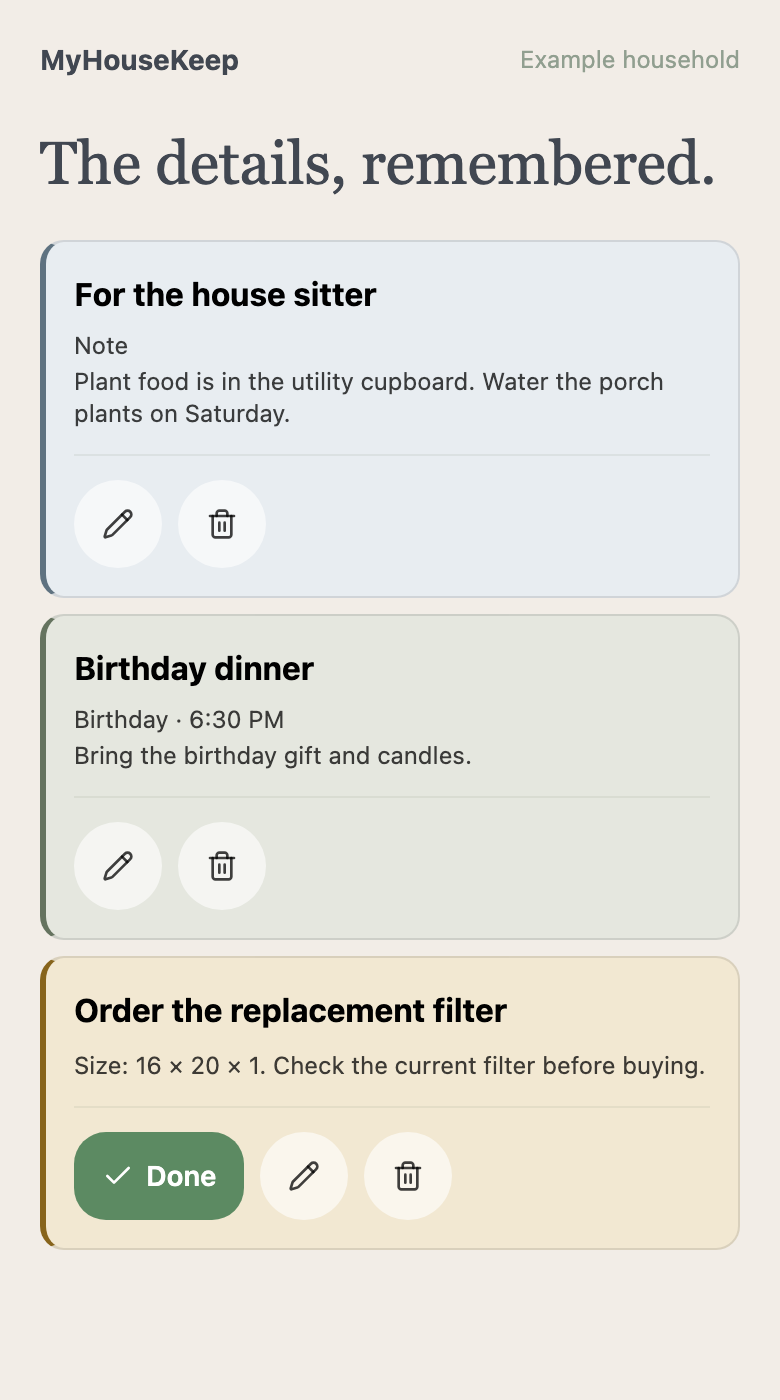
- Keep Wi-Fi, trash-day information, and custom house instructions together. Wall view’s guest QR opens the information made available for visitors.
Family plans and home care in one app
Explore the family calendar tools.
Bring family plans, groceries, shared notes, and everyday responsibilities together, too.
Explore your family →Compare Free & Plus →Share with your family or a friend
Know a family who could use this?
Send the app to your partner, a friend buying a home, or your family group chat. They can explore the features and download MyHouseKeep.
Before you make yourself at home
A few things you might be wondering.
Does this work if we rent?
Yes. Keep house details, rental repair requests, lease information, and the maintenance you’re responsible for alongside your household plans.
Are all home features free?
Manual records and standard reminders are free. PDF reports, extra homes, and some assisted features require Plus or have plan allowances. See Free & Plus for the comparison.
Download MyHouseKeep
Start with one thing you’d like to know about home.
Download the app now, then request account access here. We’ll email your personal setup link when your account is approved.
Android coming sooniPhone available now. Android coming soon. Free essentials; optional Plus. New accounts require approval.
- Download the app for your phone.
- Request access with your name and email.
- When approved, open your email’s Set Up My Account link on your phone.