 MyHouseKeep
Does inviting someone share everything on my iPhone?
No. A household invitation gives access to shared MyHouseKeep household information. The Apple Calendar connection in MyHouseKeep 1.2 displays personal calendar events only on your own iPhone.

Inside the real app · example household information
01Before everyone heads out
You’re nearly out the door when you remember there’s something after school. The Home Screen widget gives you a quick look before you go. Open the calendar when you need the details.
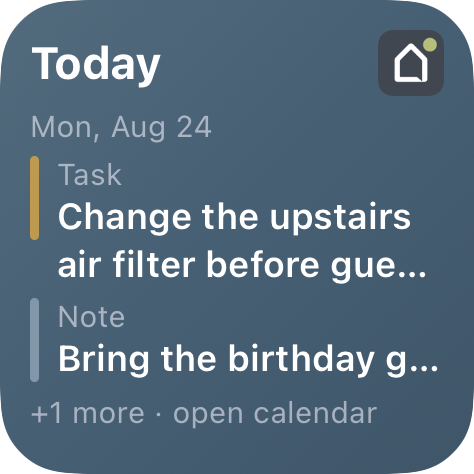
Keep appointments you already entered in Apple Calendar in view, too. Your selected calendars stay personal to your iPhone.
Bring your Apple Calendar along →02When the afternoon changes
Update the shared event with the new location and assign it to Jeff. He can check the time, find the field, and acknowledge the plan with Seen it. You have a place to check instead of wondering whether he got the message.
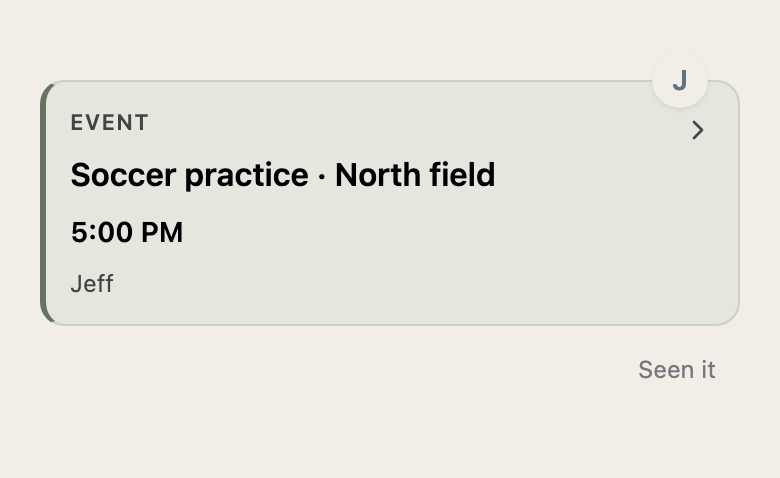
Shared events, notes, and tasks have a place on the household calendar. Assign responsibilities so helping doesn’t depend on one person remembering everything.
03On the way back home
One of you has the kids. The other can stop for groceries. Keep the running list together, and leave the dinner instructions for whoever gets home first.
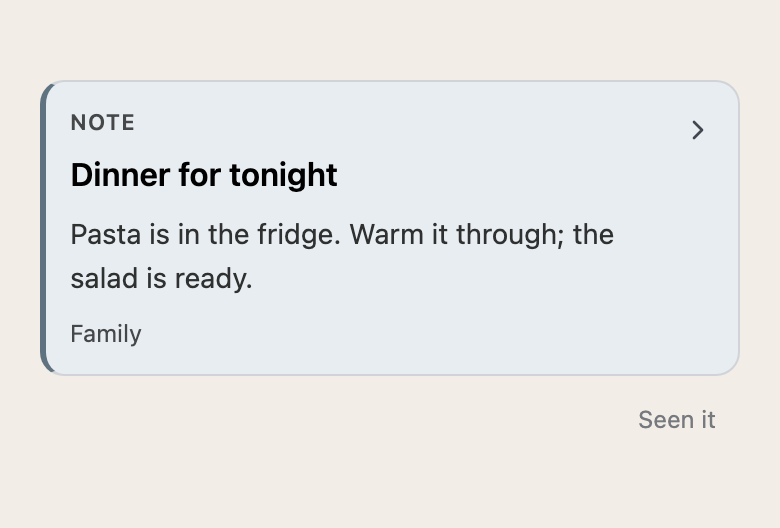
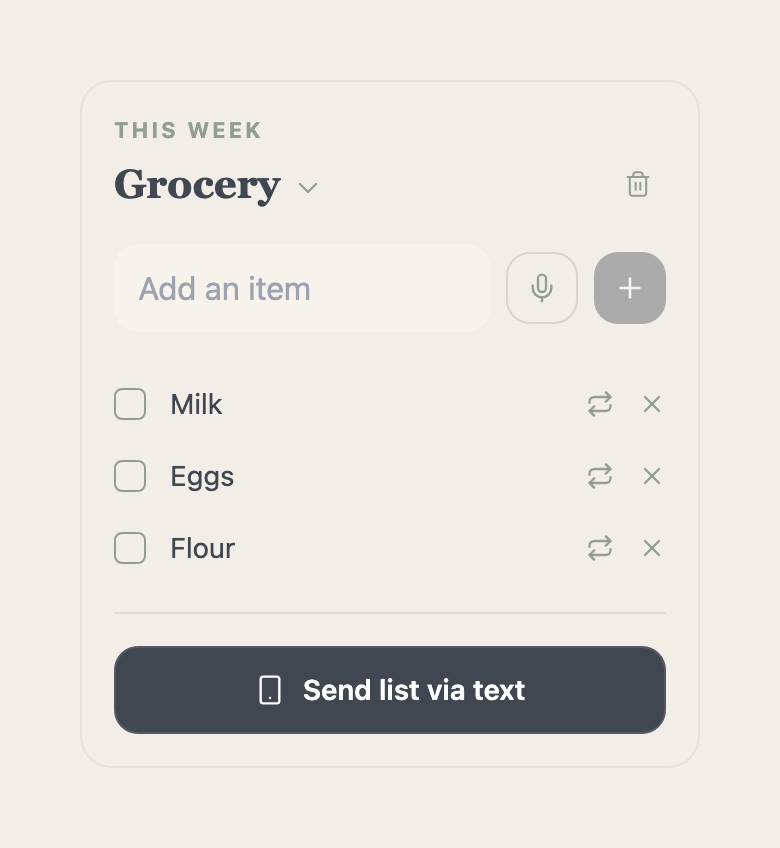
Shared notes and lists keep the little details available to the household. With Plus, you can also text them to an opted-in member.
04When you’re home together
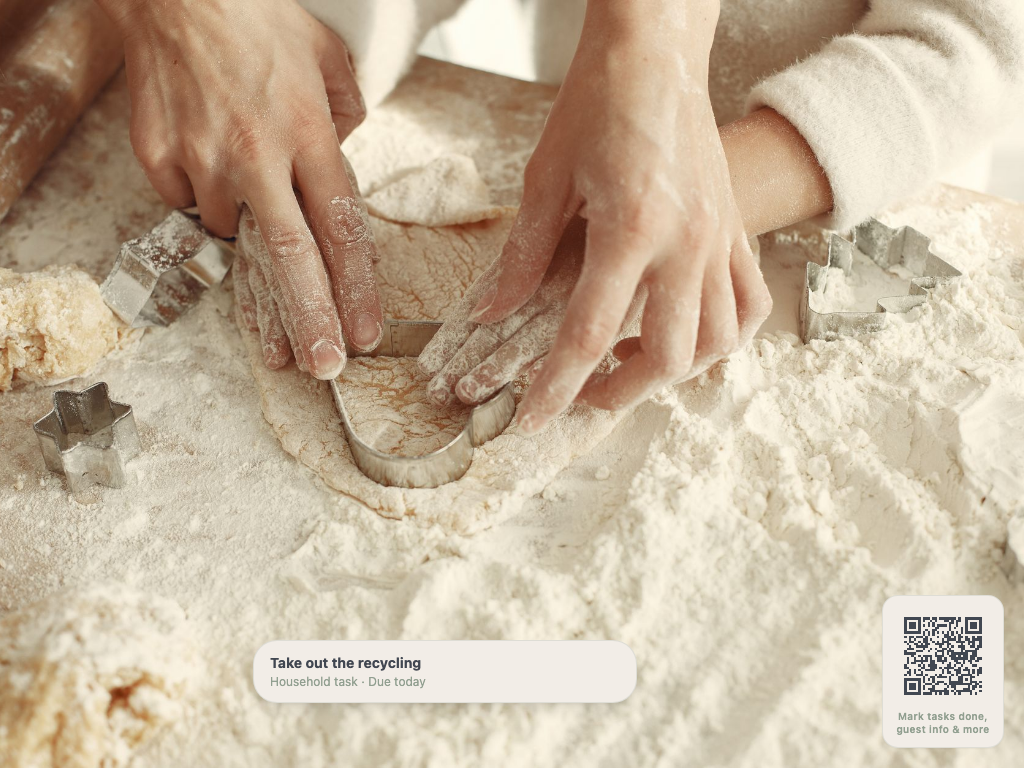
Leave wall view open on your iPad where everyone passes by. Family photos fill the screen, due tasks appear when needed, and a guest QR code opens useful details like Wi-Fi.
Before you make yourself at home
No. A household invitation gives access to shared MyHouseKeep household information. The Apple Calendar connection in MyHouseKeep 1.2 displays personal calendar events only on your own iPhone.
Yes. Family plans, lists, notes, home details, and the care you are responsible for can be useful whether you own or rent.
Make yourself at home
Start with one shared plan. Invite your household when your home is ready.
Request access →No payment or home address needed to request access.