 MyHouseKeep
Do I need to enter every system immediately?
No. Start with what you know and add details as you go. A useful first step is the system or recurring task you most often forget.

Inside the real app · example household information
01The next job around the house
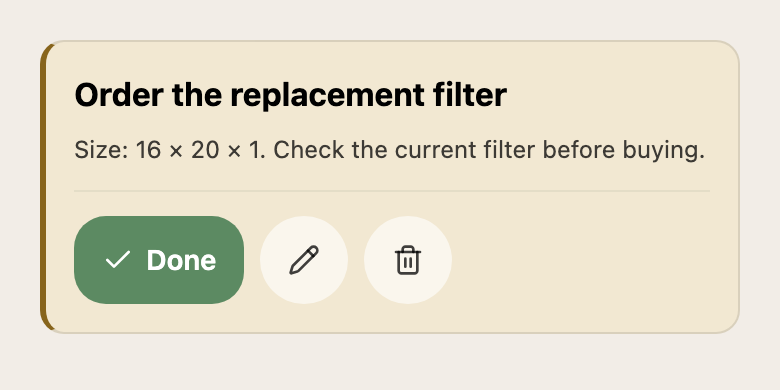
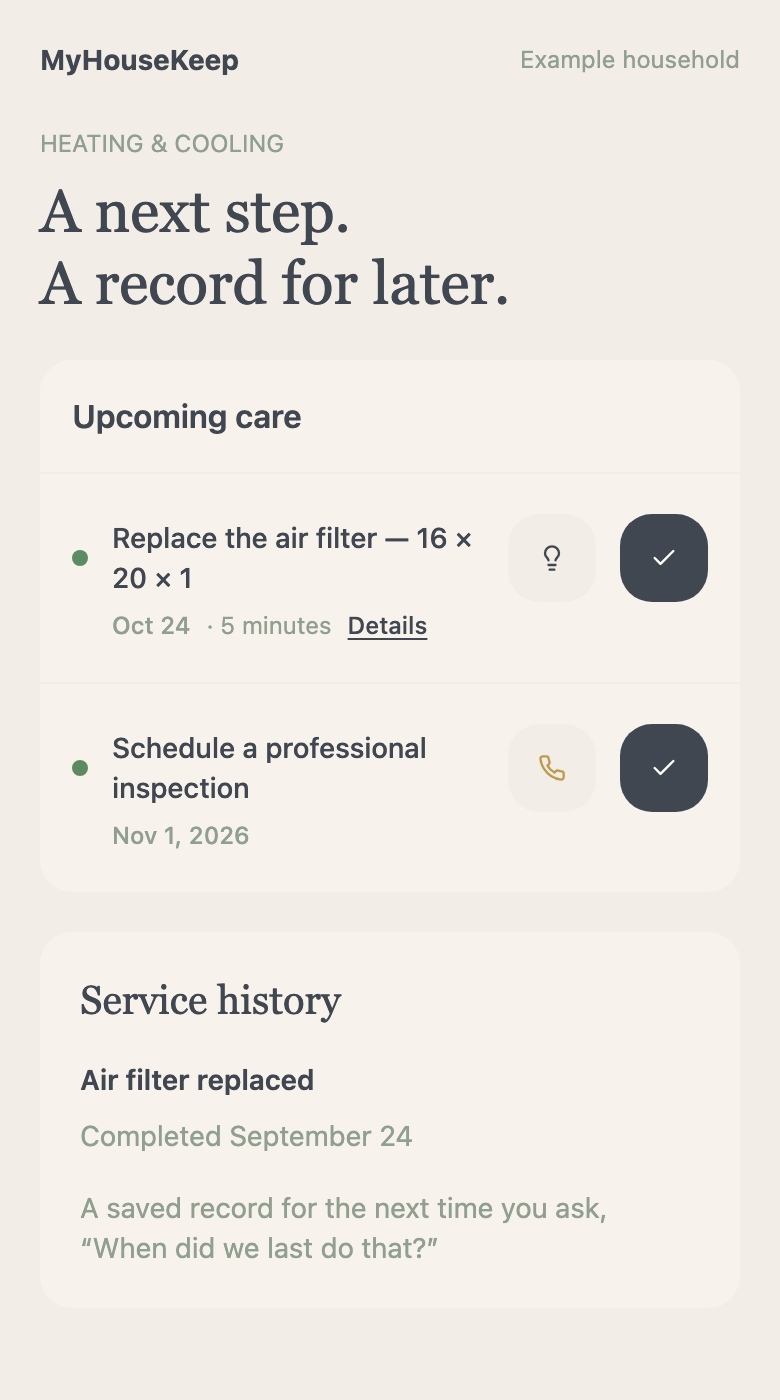
Standing in the aisle, you shouldn’t have to guess which filter fits. Keep the size with the task, give it a repeating schedule, and have the detail ready when it’s time to buy the replacement.
Choose the repeating pattern that fits your routine, including a particular weekday of the month.
02Learning as you go
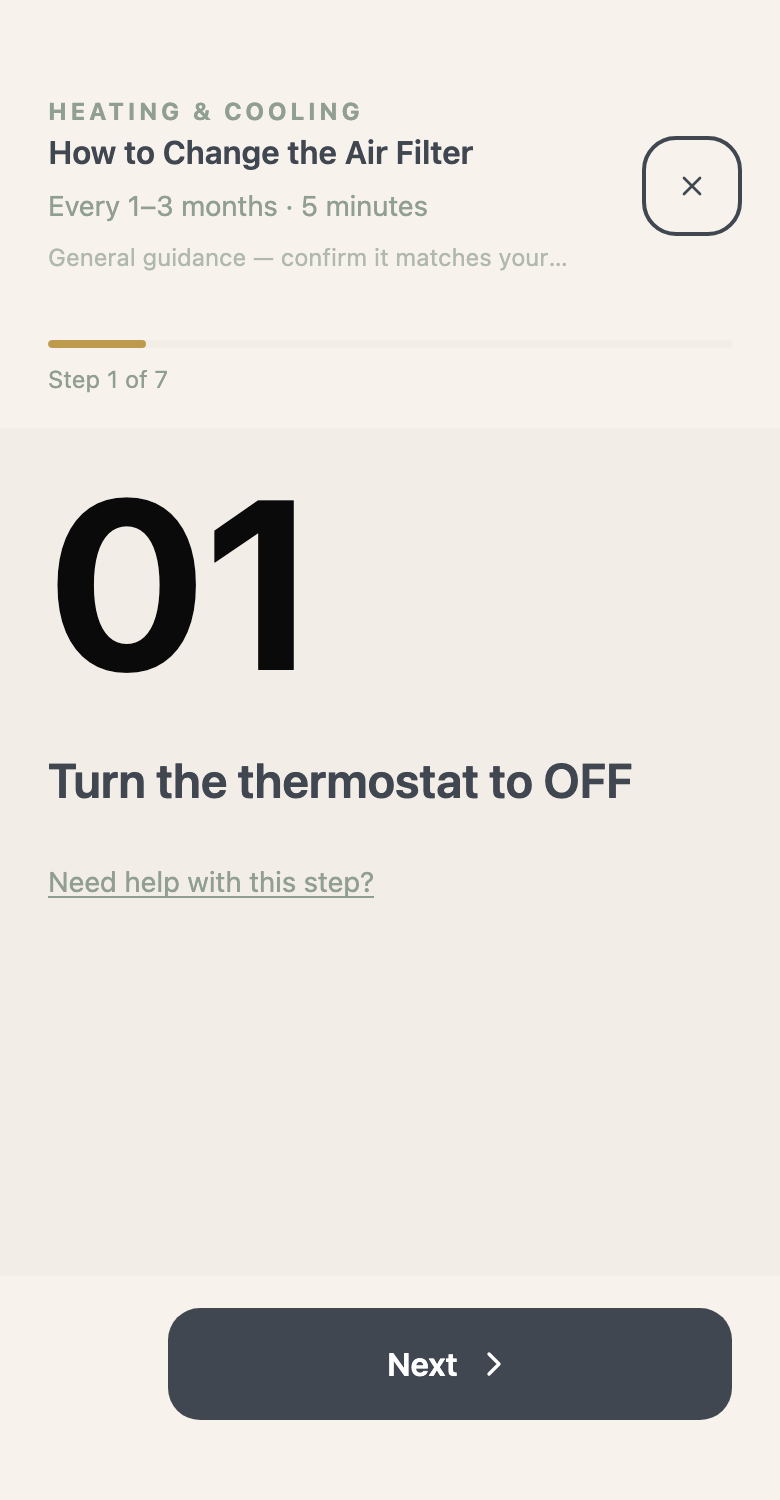
You used to call someone in the family to ask where to start. A maintenance walkthrough gives you steps to read through with your system’s information nearby. Use the guidance alongside your equipment’s own instructions.
03Doing it yourself—or getting help
Keep DIY pest prevention or scheduled service visits on the calendar. When you want help, Find a Pro lets you search by the kind of work and your location.
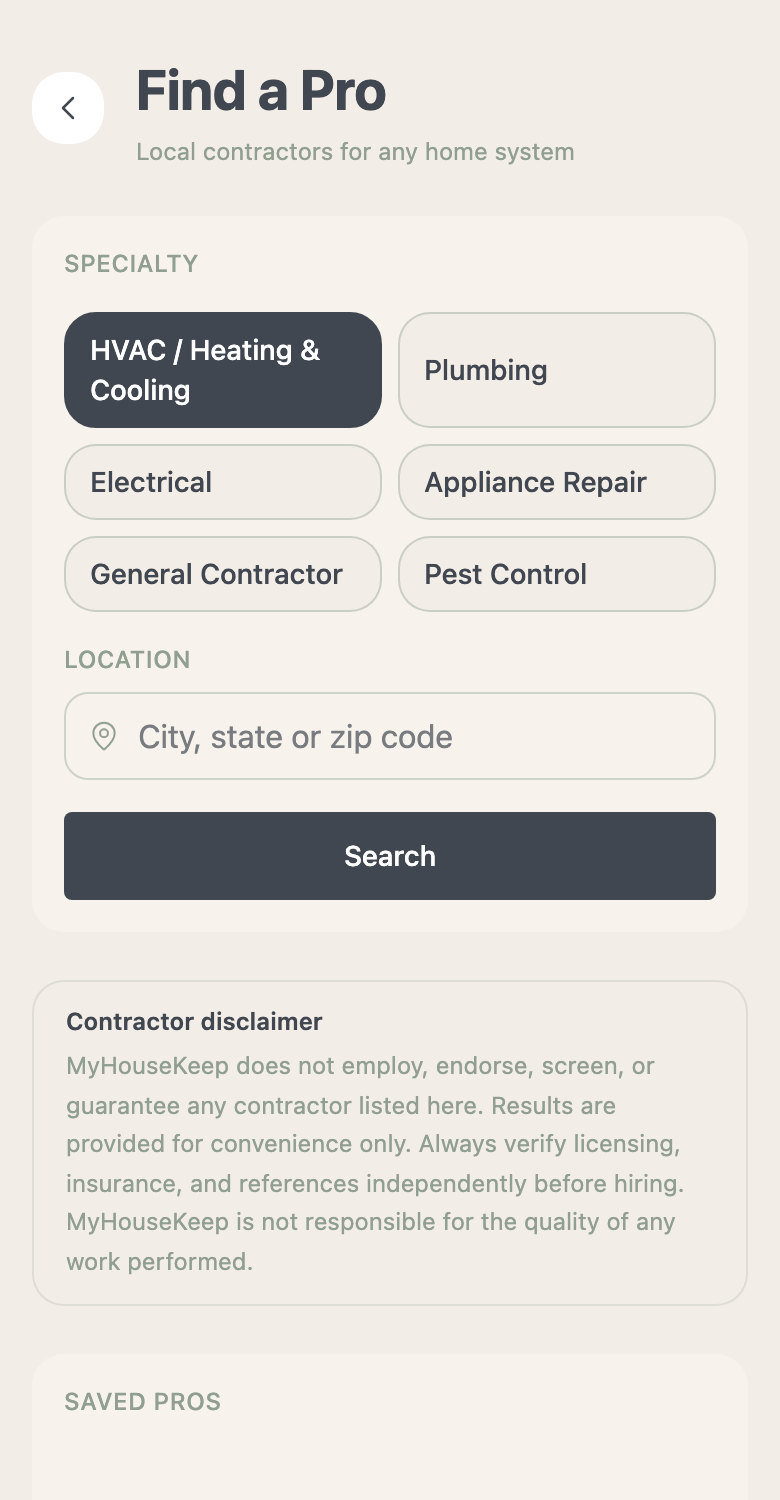
You choose and contact the provider. Search results aren’t an endorsement or a booking.
04After the work is done
Mark the task complete and keep the history with your home. Your maintenance overview helps you see what still needs attention, so you can plan the next job and get back to enjoying the weekend.
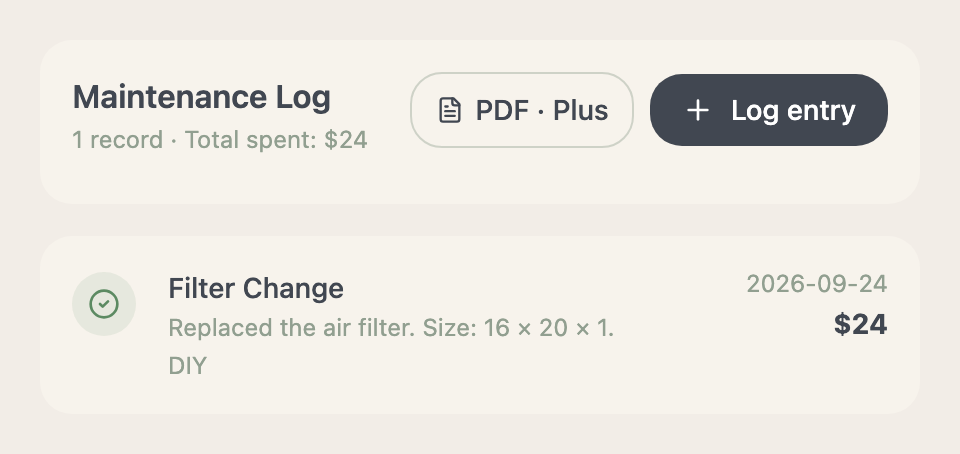
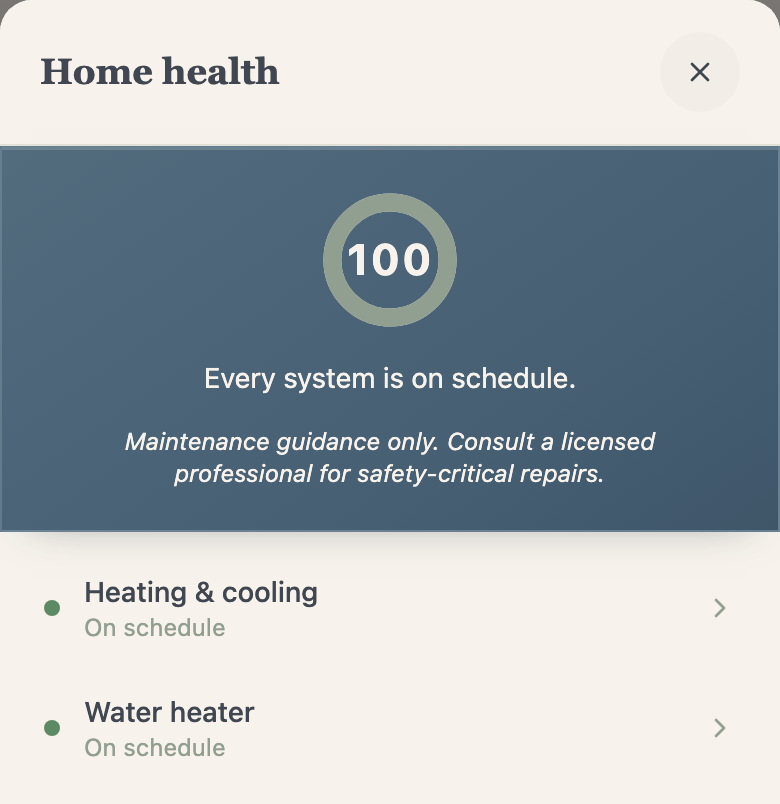
Home health reflects saved maintenance information. It isn’t an inspection or a guarantee of the home’s condition.
Before you make yourself at home
No. Start with what you know and add details as you go. A useful first step is the system or recurring task you most often forget.
No. It is a maintenance overview based on your records and tasks. It does not certify your home’s condition or replace professional advice.
Make yourself at home
Start with one system and its next care task. Build the rest as you go.
Request access →No payment or home address needed to request access.