 MyHouseKeep
Real MyHouseKeep modules, shown with example household information.
01Calendar & responsibilities
See the day. Know who’s doing what.
School, work, a birthday, the trash going out. MyHouseKeep gives household plans and responsibilities a shared calendar, with different colors for events, notes, and things to do.
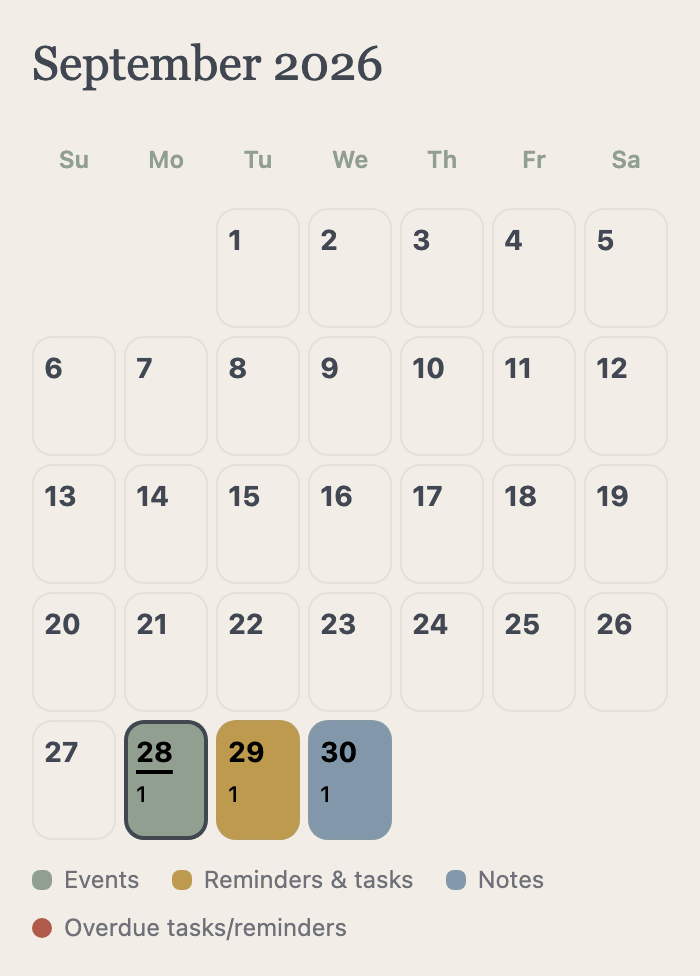
- Plan together
- Create events, assign tasks or plans to household members, and use Seen it to acknowledge a shared item.
- Bring your iPhone calendar
- Selected Apple calendars appear alongside the household plan. They remain read-only and personal to your iPhone.
- Set the right reminder
- Choose a time and repeating schedule, including monthly patterns such as the last Saturday. Events and notes don’t require completion by default.
02Notes & shopping lists
The details are there, even when you aren’t.
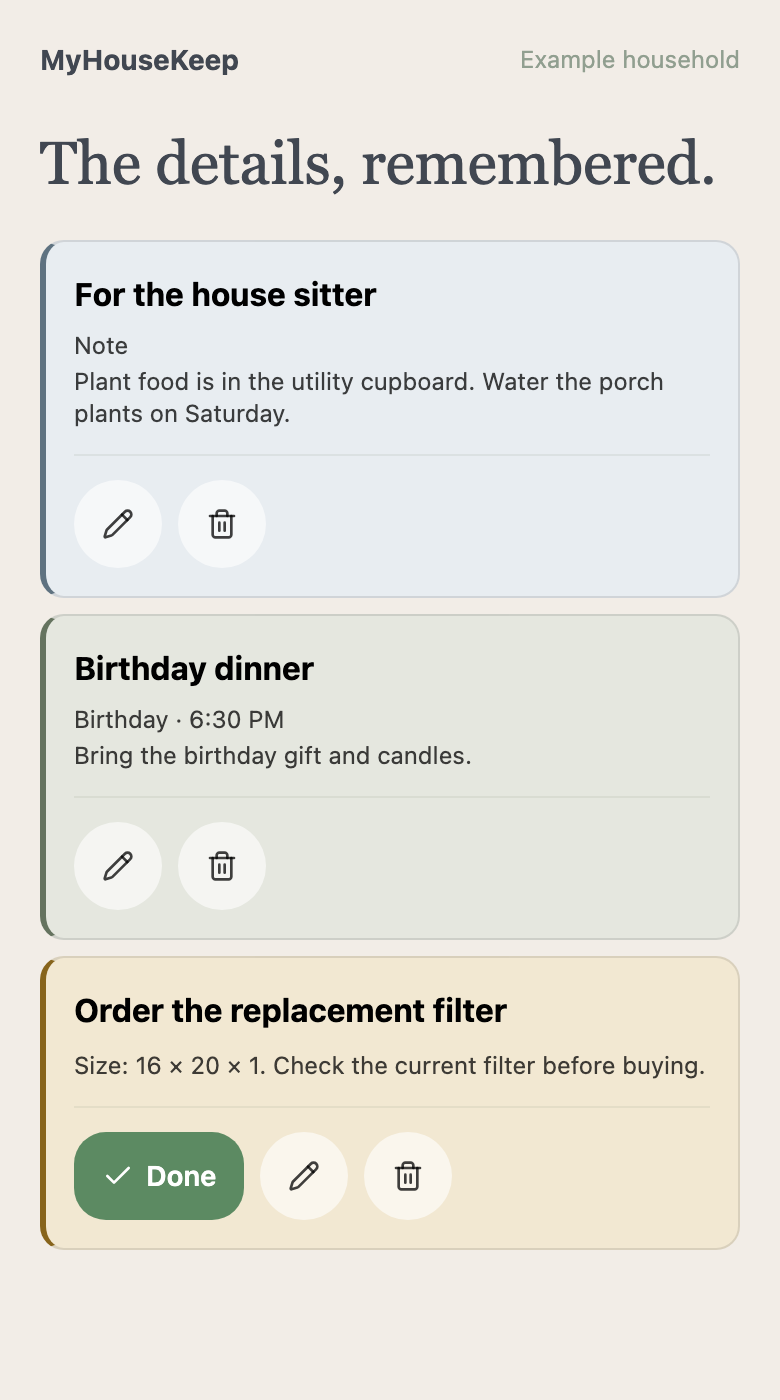
Someone is stopping for groceries. Someone else is watching the house. Leave what they need in a shared list or note, ready when they look.
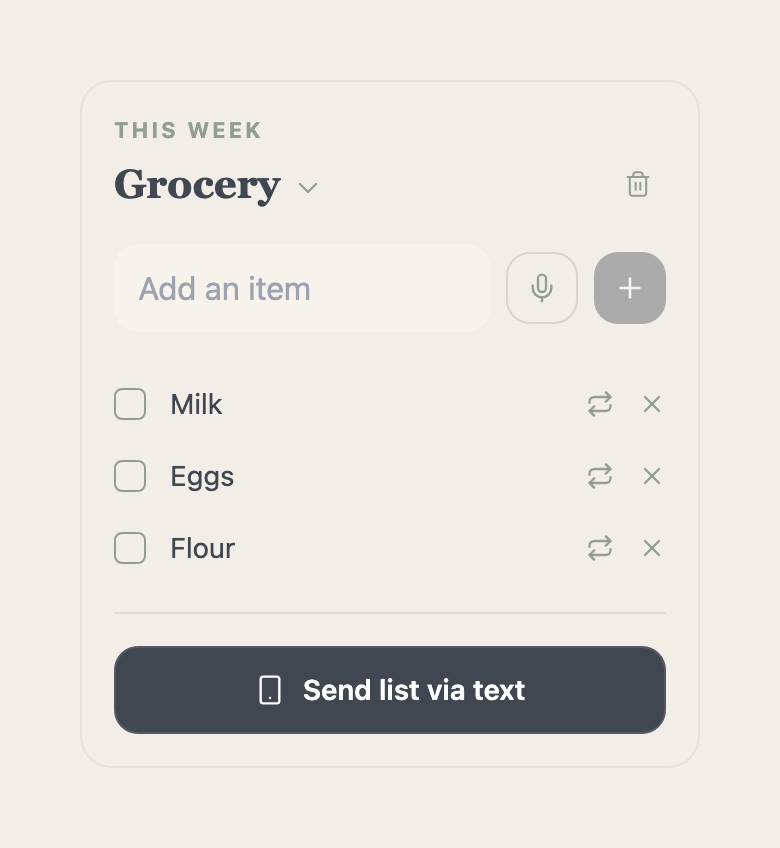
- A list everyone can add to
- Keep groceries together so the person making the stop can see what’s needed.
- Notes that stay useful
- Save dinner instructions, plant care, or the detail you’d otherwise have to explain again.
- Your own accounts. One home.
- Invite household members to share the information. Plus can also send lists and notes by text to opted-in recipients.
- Useful information for guests
- Keep Wi-Fi, trash-day, and house instructions together. Wall view’s guest QR provides access to the home information you make available.
03Maintenance & guidance
Remember the job. Find out how to do it.
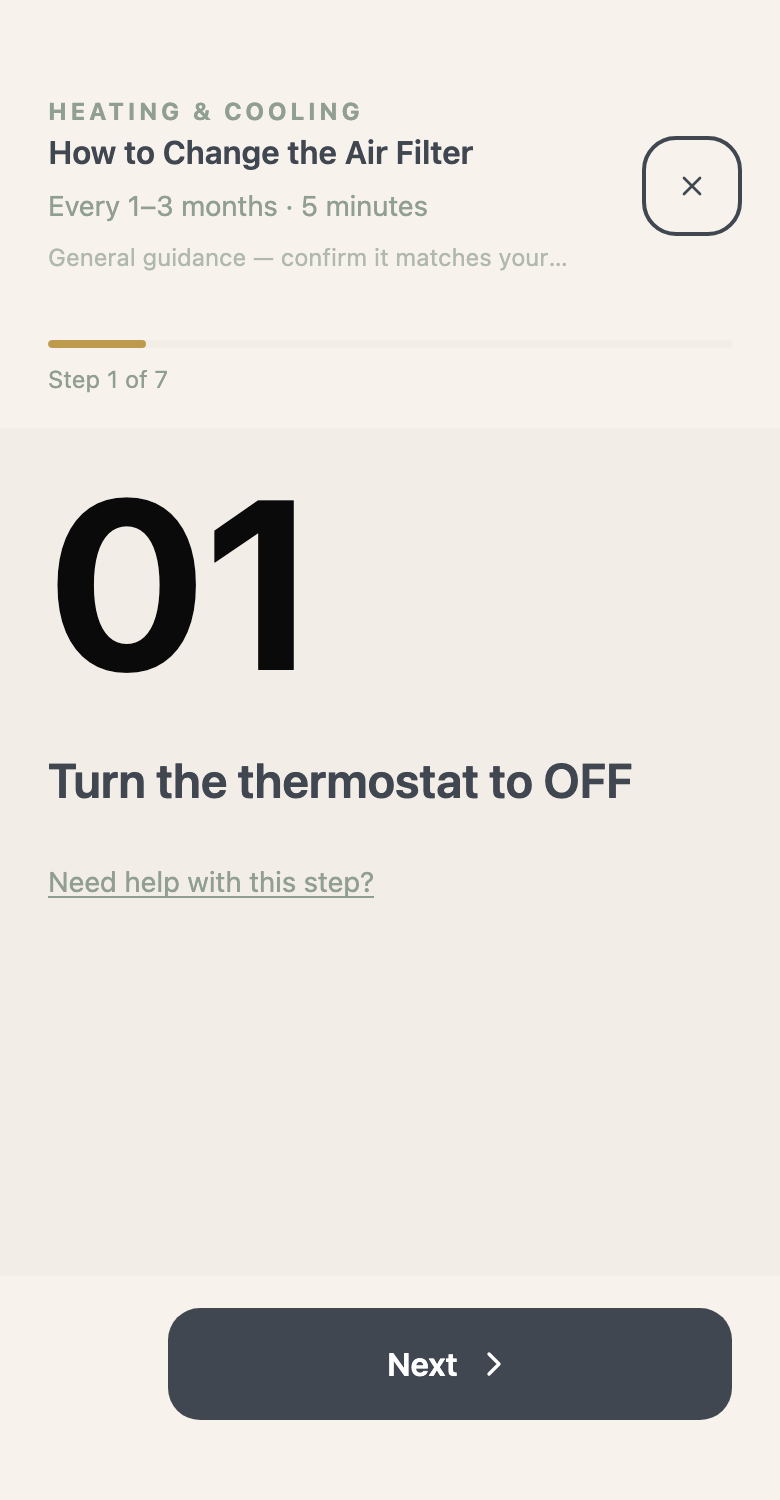
A filter reminder is more useful when it comes with the size you saved and somewhere to start. Put home care on a schedule, then open the guidance when the day arrives.
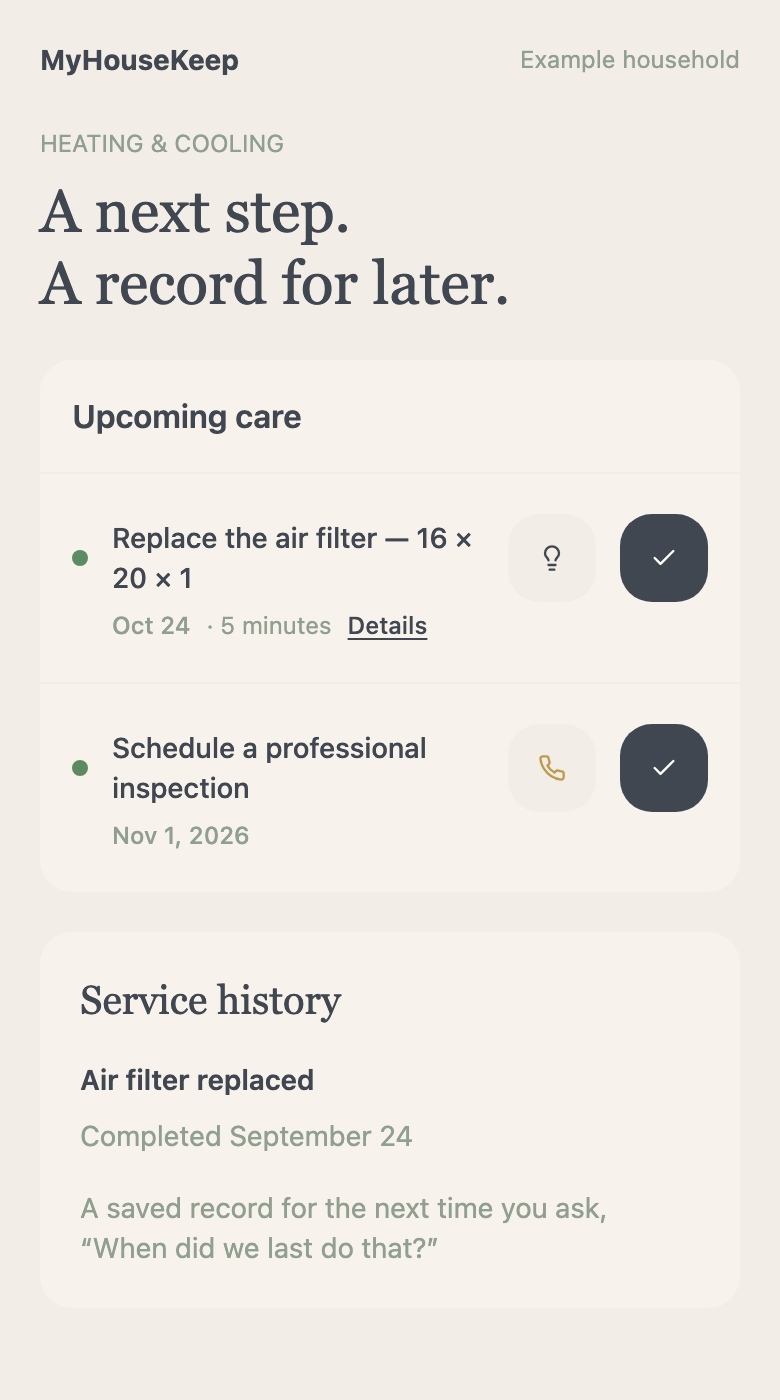
- Care that repeats
- Schedule recurring maintenance around your home’s needs and your household’s routine.
- Pest prevention your way
- Plan DIY care or service visits, with repeating schedules that fit how you look after your home.
- Help with the next step
- Open a task’s walkthrough, or explore troubleshooting guidance when a system isn’t working as expected.
- Find professional help
- Search Find a Pro by service and location. You choose and contact the provider.
- A record of rental repairs
- Renters can keep maintenance requests, status updates, notes, and supporting evidence together.
- See how home is doing
- Completion history and home health show saved maintenance status. Local weather helps put the day’s plans in context.
04Documents, contacts & home details
A home comes with questions. Keep the answers close.
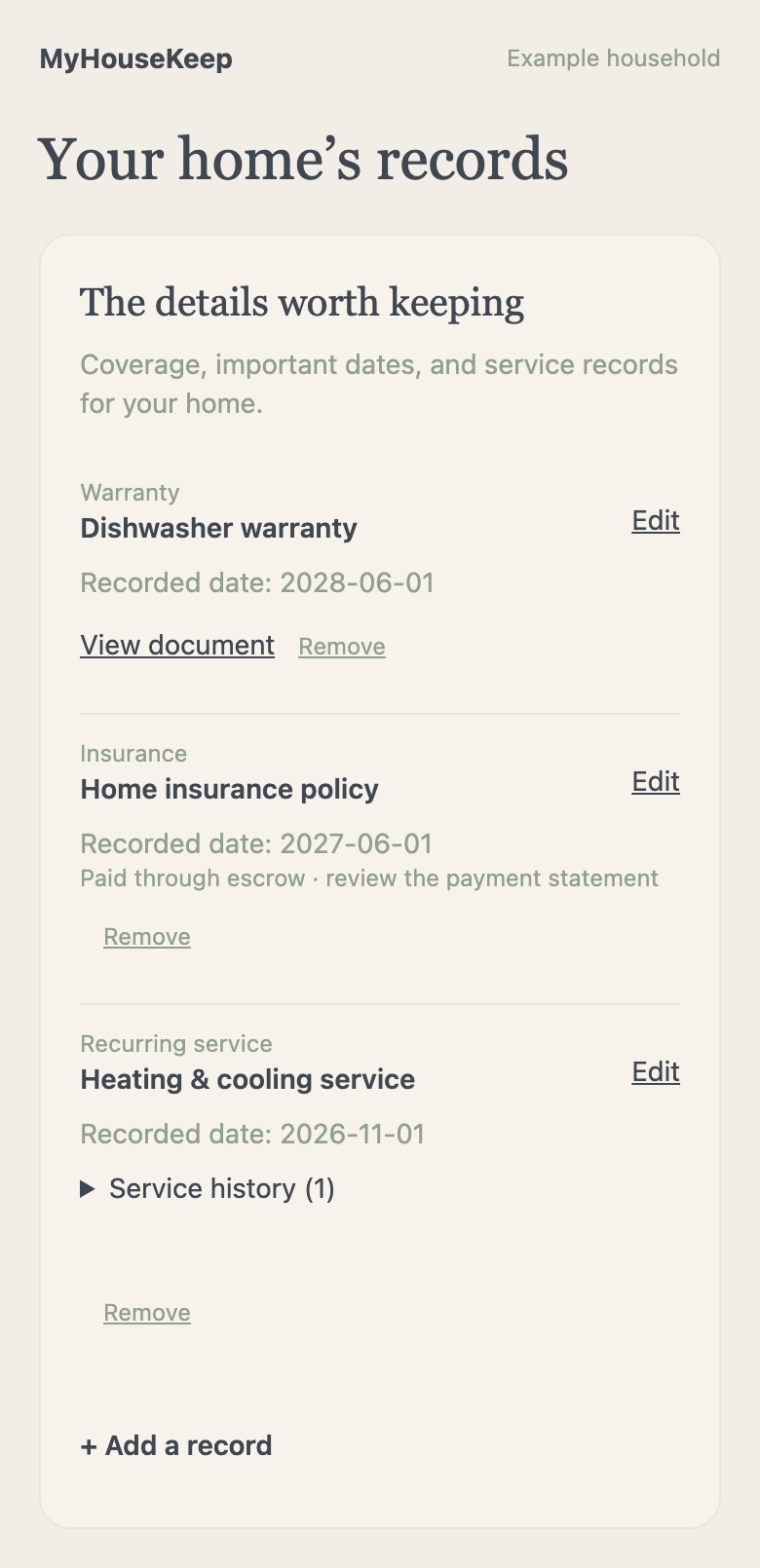
The policy number. The last service date. The plumber you’d call again. Save the details with the home and system they belong to, before you need to find them.
- Keep the paperwork together
- Save manuals, warranties, receipts, model numbers, and coverage dates within your storage allowance.
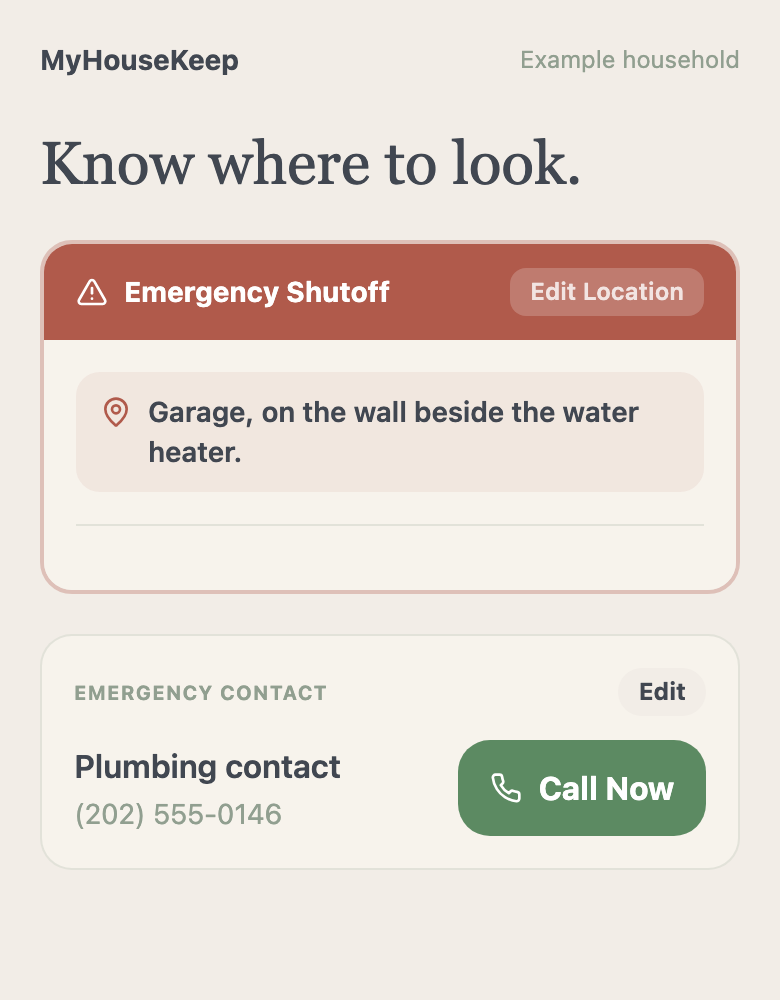
- Remember where and who
- Record shutoff locations and useful contacts. Add only the systems your home actually has.
- Build a history
- Keep service records, review important dates, and use document scans within your allowance to help enter information.
05Widgets, summaries & wall view
Keep the plan where your day happens.
Sometimes you need a quick glance before leaving. Sometimes everyone needs to see the week from the kitchen. Choose how the plan stays within reach.
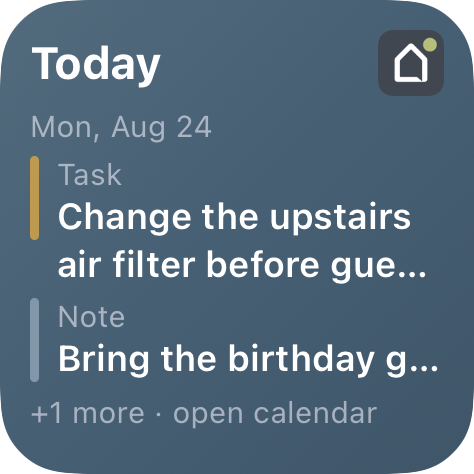
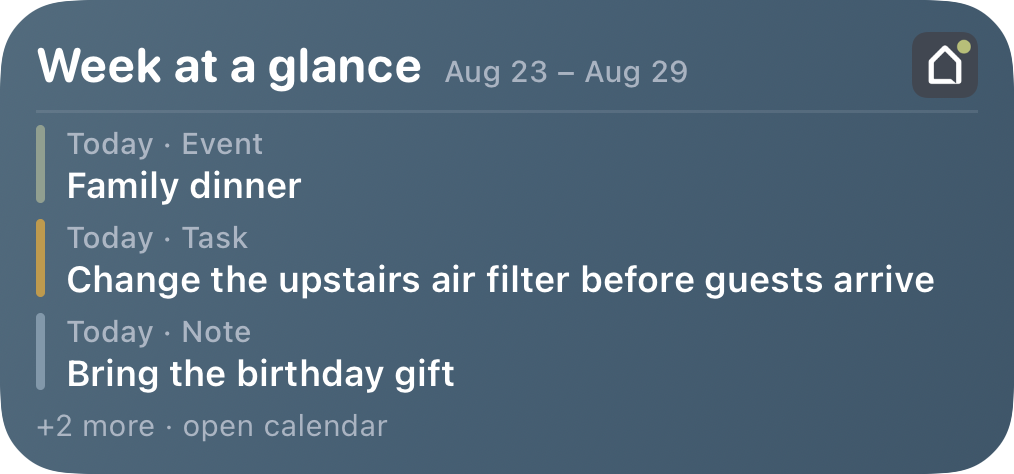
- Glance without opening the app
- Today, week, and month Home Screen widgets are available on iOS 17 or later.
- Look ahead together
- Choose when to receive your week-at-a-glance summary. Set push reminders for the moments you want a nudge.
- Make it feel like your home
- Use iPad wall view for family photos, due tasks and a guest-information QR code. An optional daily Bible verse is off by default and yours to turn on.
Free essentials. Optional Plus.
Start with the everyday. Add more when you need it.
Calendars, notes, manual home records, and standard app reminders are free. Plus adds PDF reports and calendar printing, voice input, text sending, additional homes, and larger scan and storage allowances.
Make yourself at home
Keep up with your family and your home.
Start with what would help this week. You can add the rest as your home’s story grows.
Request access →No payment or home address needed to request access.