 MyHouseKeep
Where should I start?
Add one or two systems first. Save the details you can find, then build up your home record over time.

Inside the real app · example household information
01Your first weeks with the keys
You’ve figured out where the sofa goes. Now take a moment to find the water shutoff and save its location. Build a few useful details into the home while there’s time to ask questions.
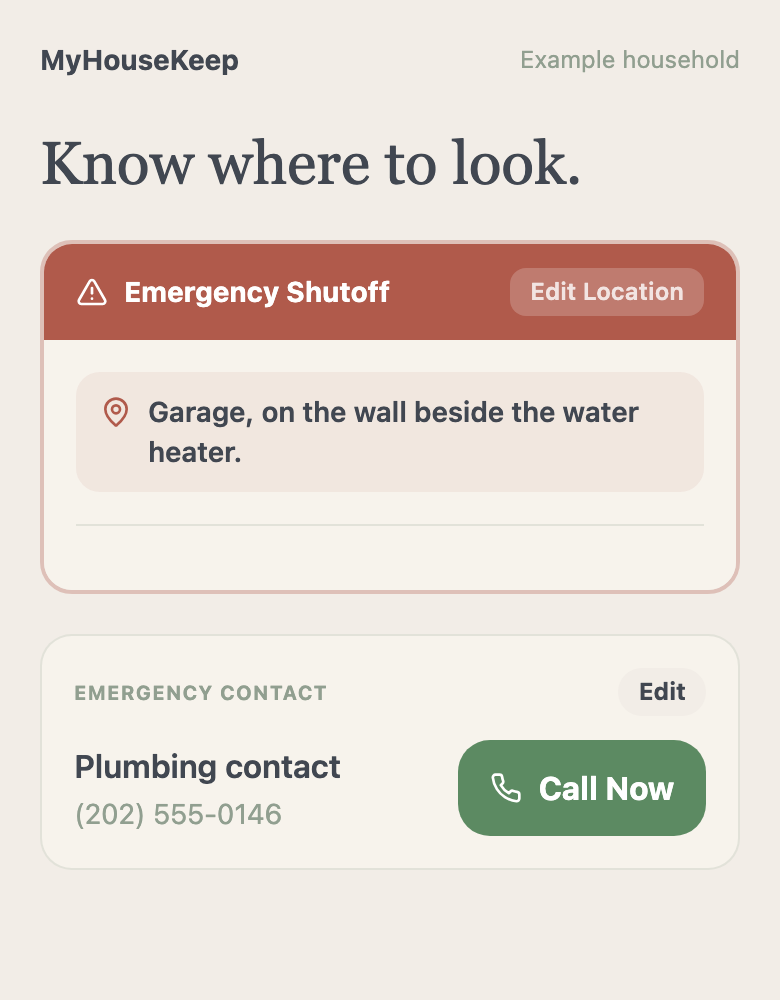
Add the systems you actually have. Gas information is optional; you don’t need it in a home without gas.
02The first maintenance job
The filter, the water heater, the next service. Add one system and its next care task. Open the walkthrough when you’re ready, with the manual close by and professional help available when you need it.
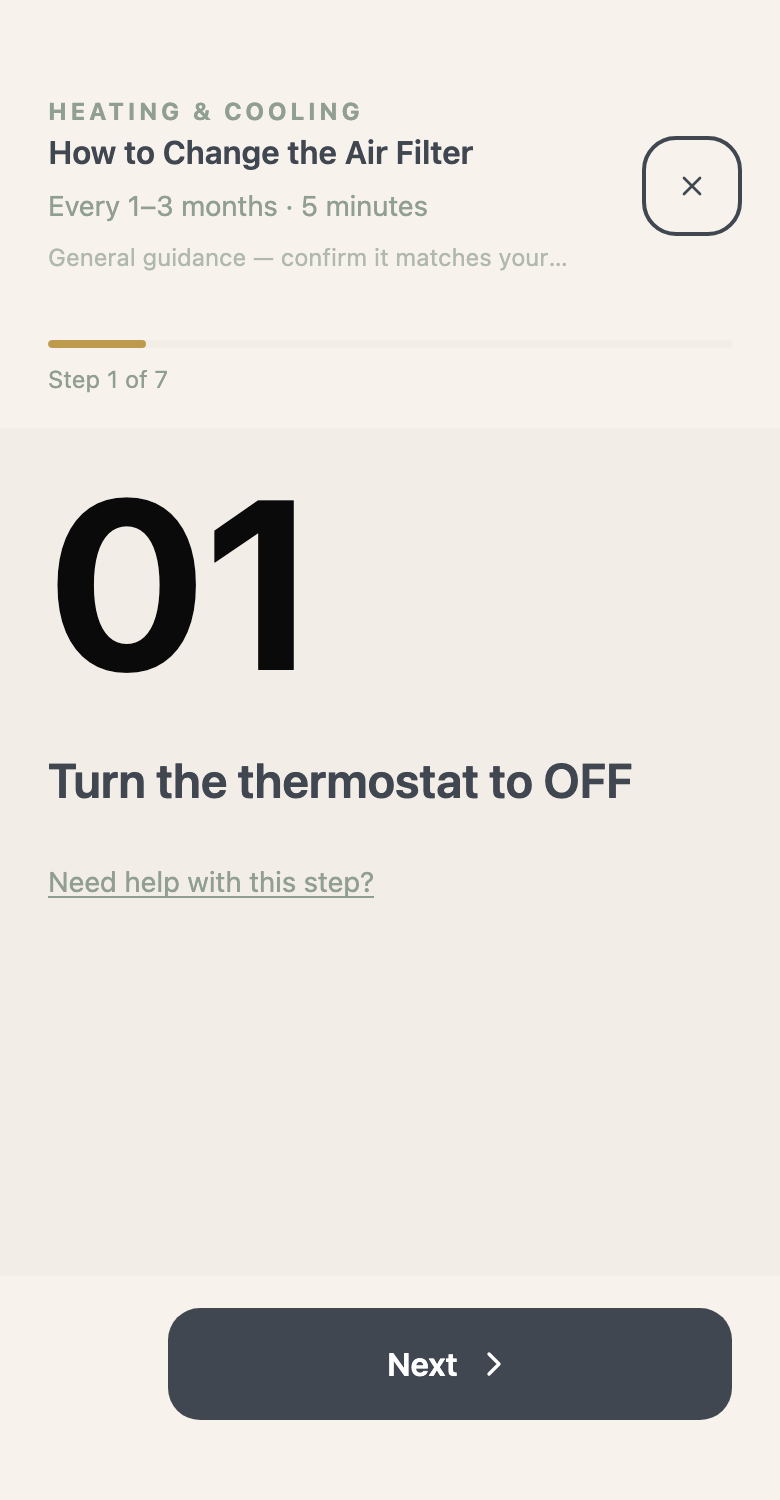
03As the home becomes yours
Save that first warranty with its appliance. Add the receipt or manual as you come across it. You’re building somewhere to turn when a question comes up—not trying to finish everything on moving day.
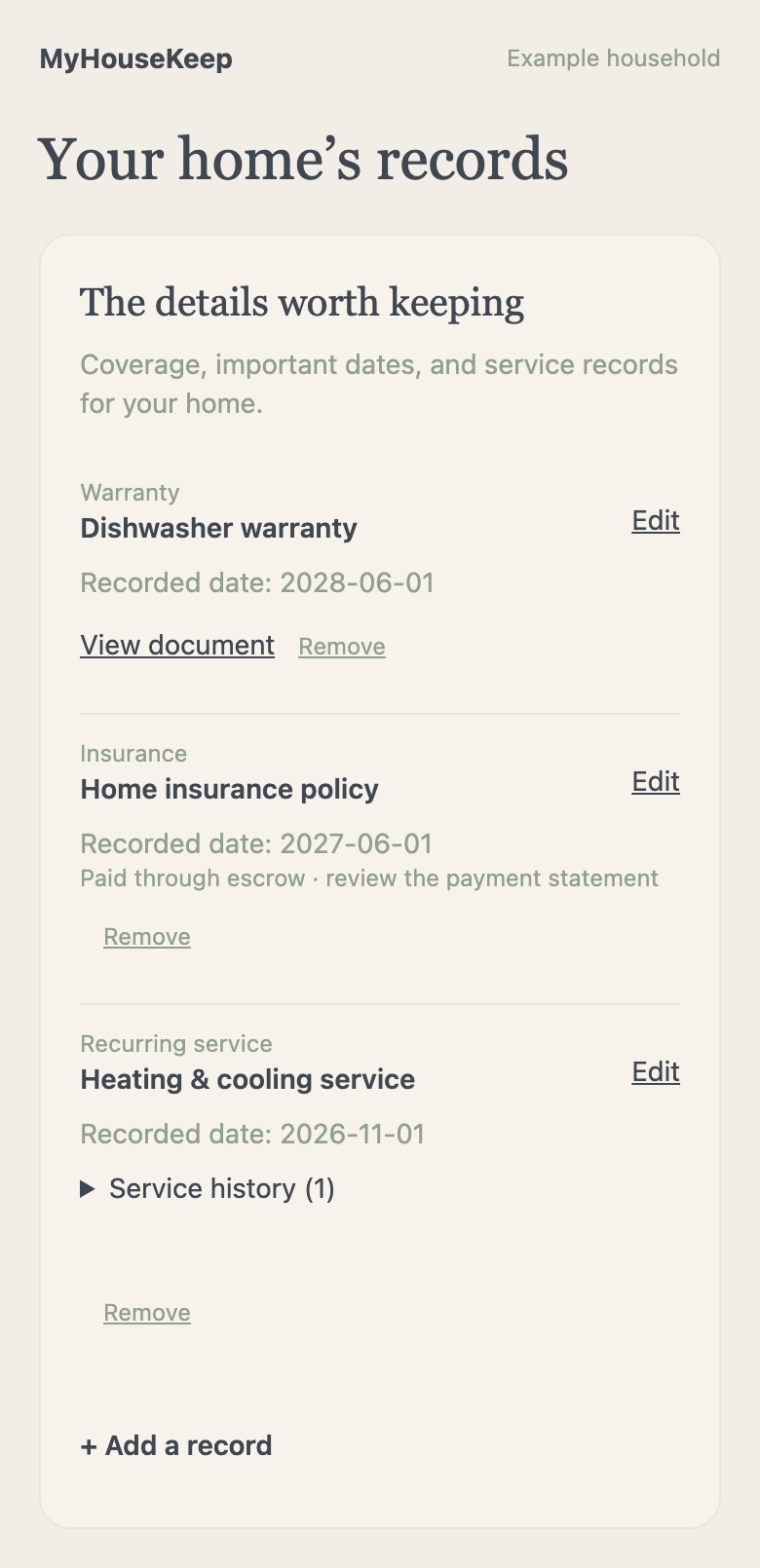
Before you make yourself at home
Add one or two systems first. Save the details you can find, then build up your home record over time.
No. Start with the tools that solve a problem for you. Add more home details and routines as they become useful.
Make yourself at home
Add one system. Save one important location. You can build from there.
Request access →No payment or home address needed to request access.