 MyHouseKeep
Where should I start?
Track repeat maintenance and completed work, so a busy season does not mean reconstructing the last year from memory.

Inside the real app · example household information
01Years of looking after this place
You know which service company came out and which part was replaced. Save the work and dates so that knowledge stays useful to you and the people who help with the house.
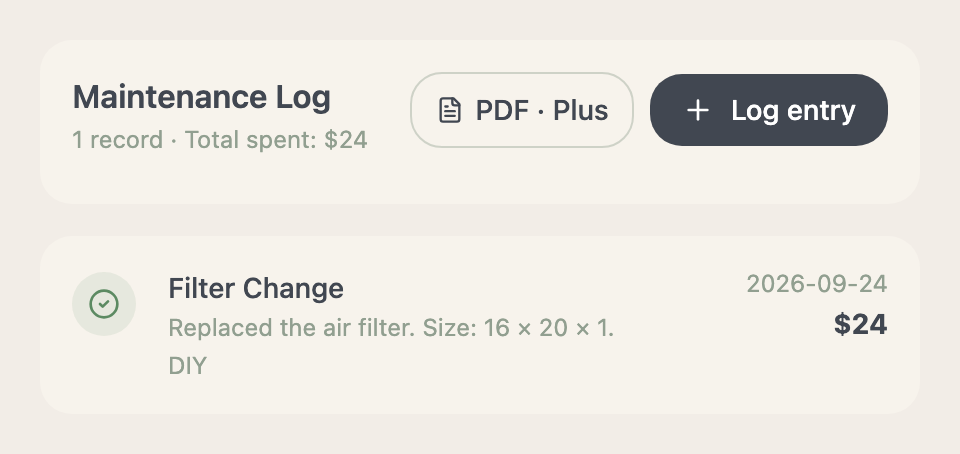
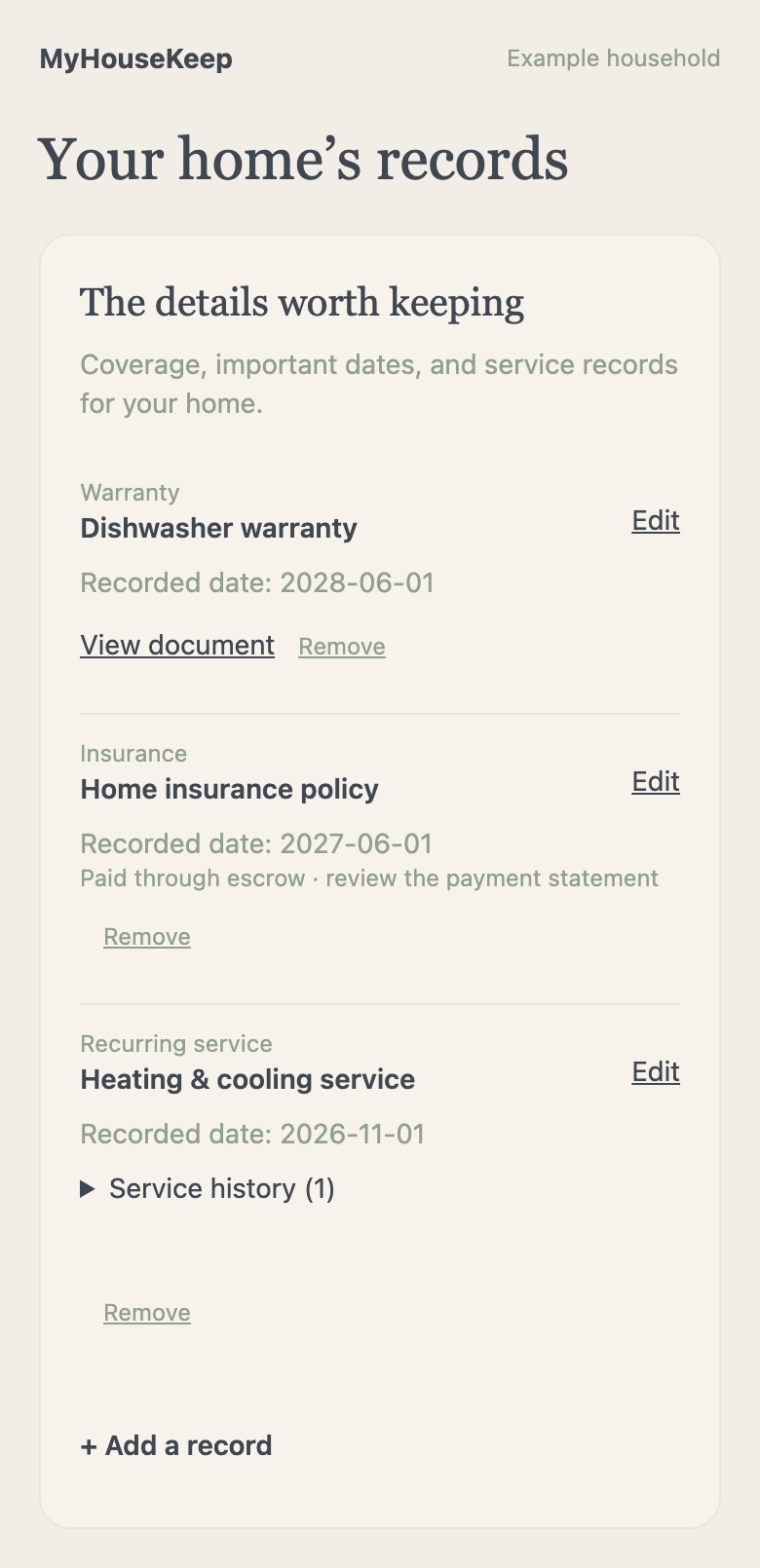
Completed work becomes a record you can return to when the next visit is due.
02When another question comes up
Keep insurance, warranty information, and the documents behind them together. Whoever is handling the paperwork has a place to begin.
03The next season of home care
Check your saved maintenance overview, then plan the jobs ahead. Recurring care can follow the rhythm you prefer, whether you handle it yourself or arrange a service.
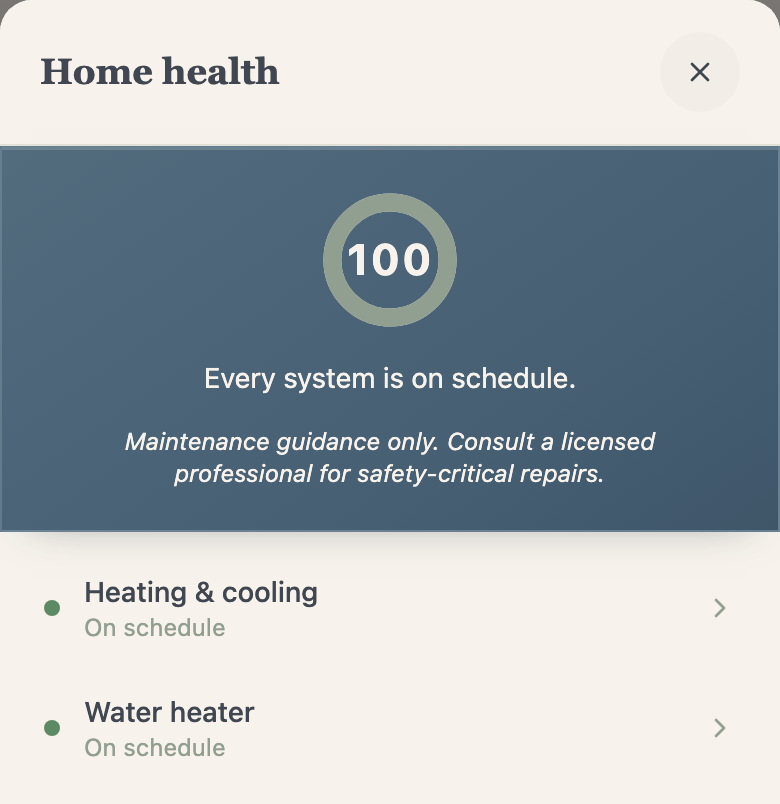
The overview reflects your saved records and tasks, rather than a professional inspection.
Make a routine for the next job →Before you make yourself at home
Track repeat maintenance and completed work, so a busy season does not mean reconstructing the last year from memory.
No. Start with the tools that solve a problem for you. Add more home details and routines as they become useful.
Make yourself at home
Begin with the service record or system detail you always have to look up.
Request access →No payment or home address needed to request access.