 MyHouseKeep
Where should I start?
A shared family calendar gives pickups, appointments, and home tasks a place everyone with household access can check.

Inside the real app · example household information
01The night before school
The permission slip needs signing. The water bottle is still on the counter. Leave a household note with tomorrow’s plan so the person handling the morning can see it, too.
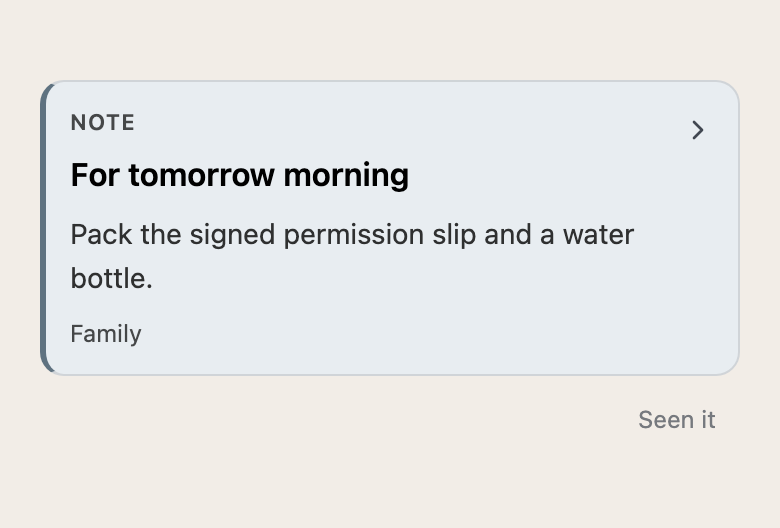
Sharing the details means another person can help without waiting for you to explain everything.
02The things you want to be present for
Give the dinner a place on the shared calendar, with the time and the little details. Events stay on their dates and don’t require someone to mark them done by default.
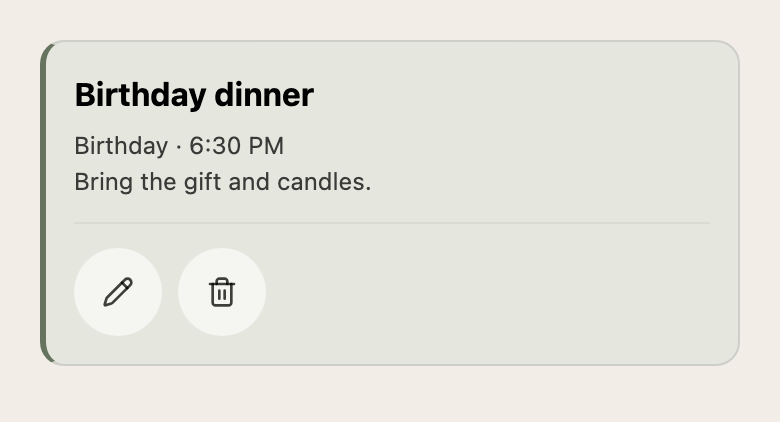
Use tasks for things that need completing, events for plans, and notes for the information around them.
03Making room in a full week
A month widget helps you see the shape of what’s coming without opening the app. Set repeating responsibilities and timely reminders, then use the shared calendar to decide who can help.
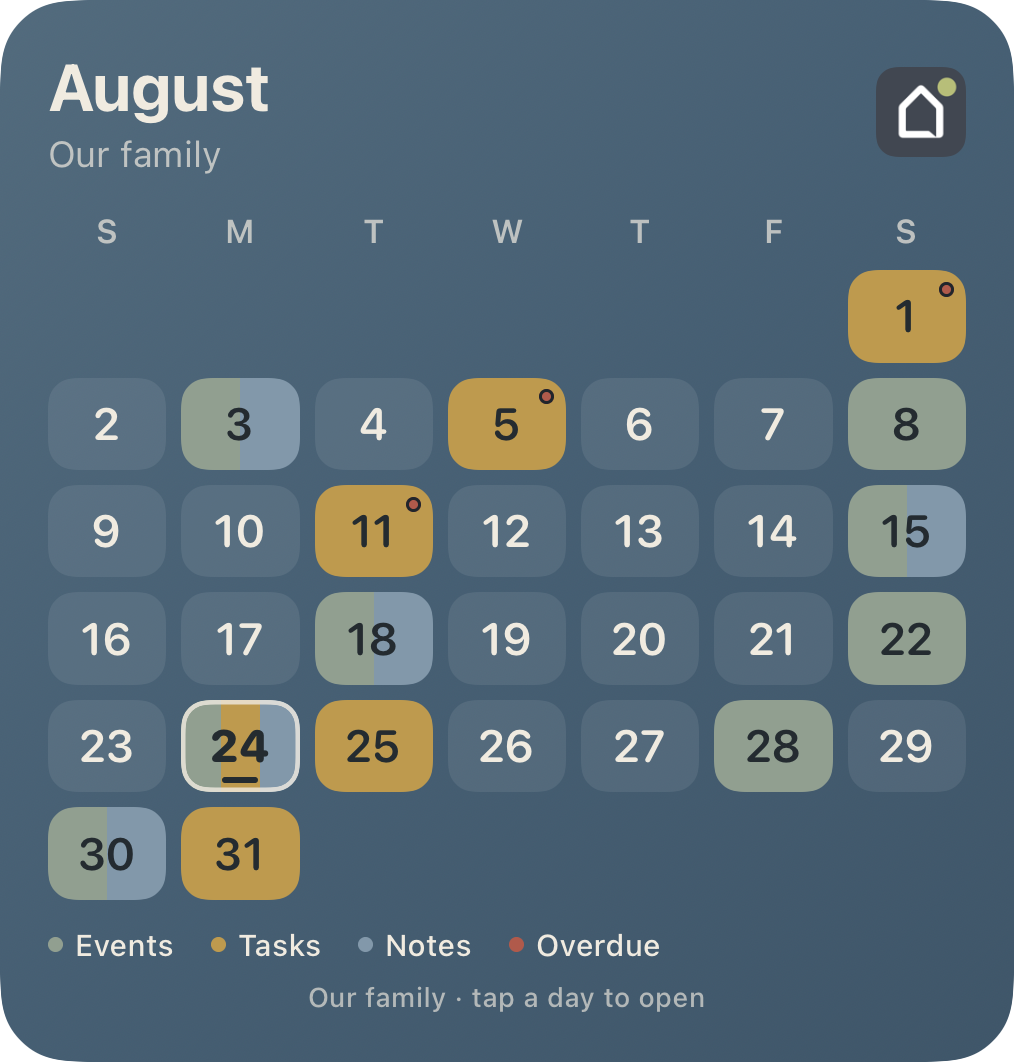
Before you make yourself at home
A shared family calendar gives pickups, appointments, and home tasks a place everyone with household access can check.
No. Start with the tools that solve a problem for you. Add more home details and routines as they become useful.
Make yourself at home
One calendar item, one household invitation, one less update to repeat.
Request access →No payment or home address needed to request access.